Meeting Rewind Instant Audio Replay for Meetings
Never miss an important point again. Meeting Rewind buffers the last 15–60 seconds of audio so you can instantly replay what you missed—in meetings, calls, or class. Tap the floating button, use Siri, or trigger from your Apple Watch. Record a segment, get an on-device transcript, then save or discard. No cloud, no account. Privacy-first.
Features
Instant replay, recording, transcript, and more—all on your device
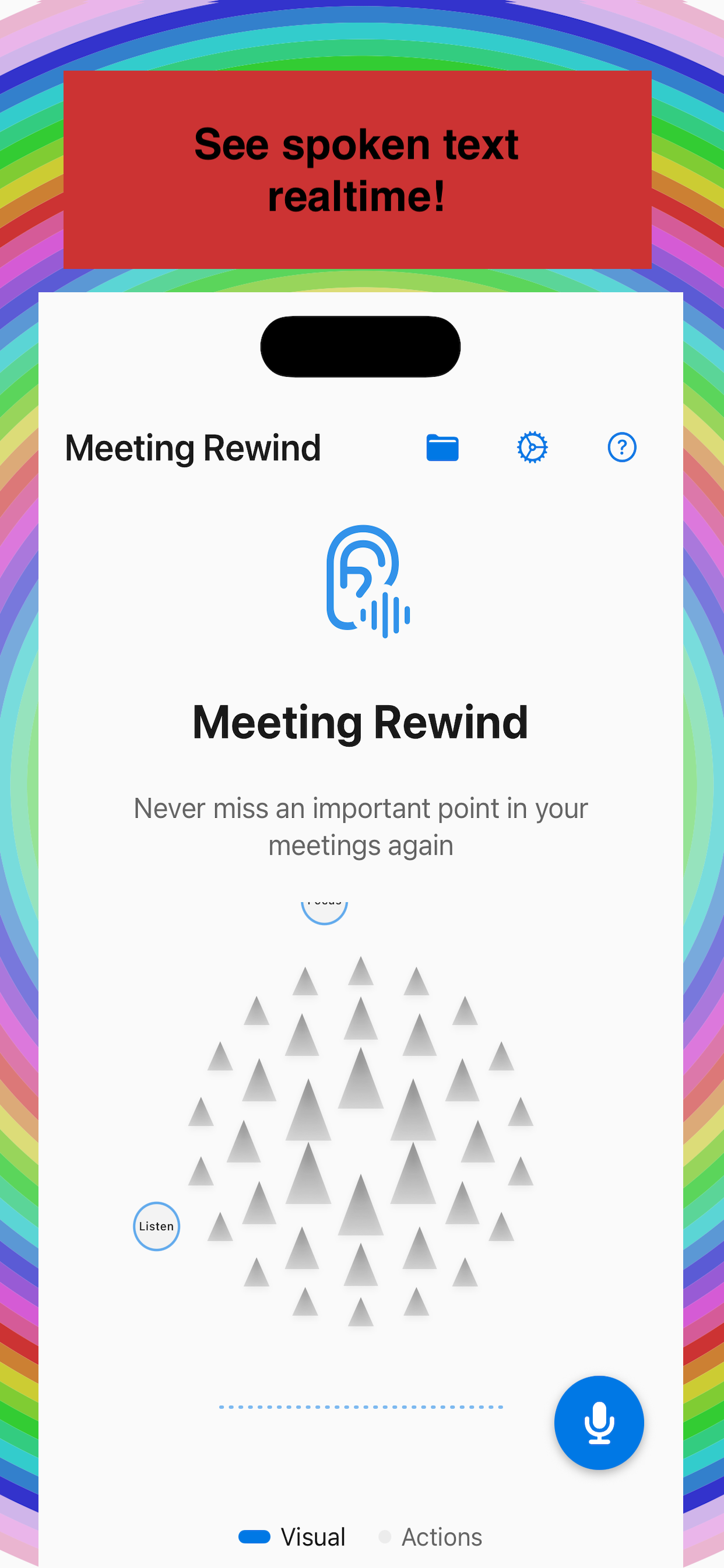
Rolling Buffer & Instant Replay
Keeps the last 15 seconds to 3 minutes of audio in memory. One tap or long-press replays the last few seconds so you never have to ask “What did they just say?”
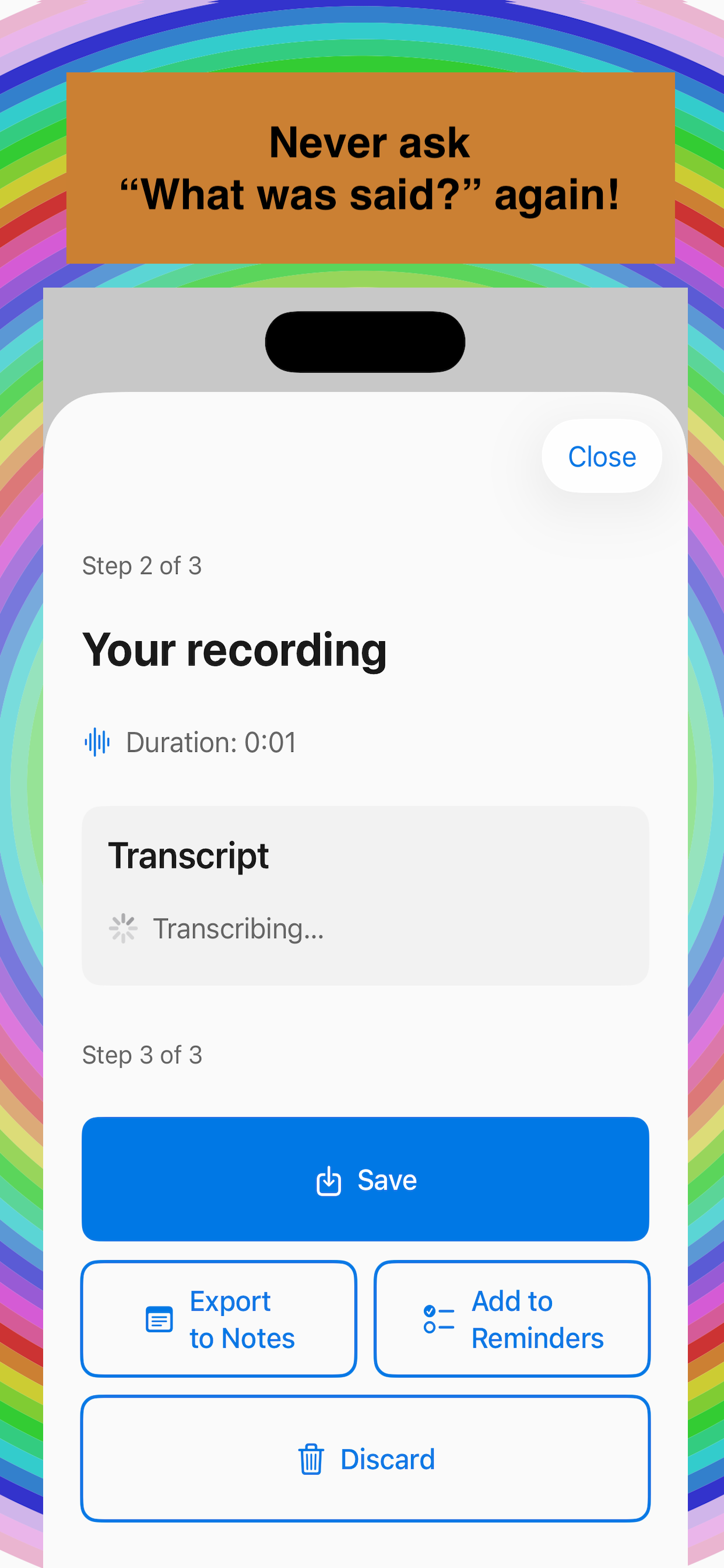
Record → Transcript → Save or Discard
Tap the floating button to record; tap again to stop. View an on-device transcript (Speech framework), then save to your library or discard. Share, export to Notes, or add to Reminders.
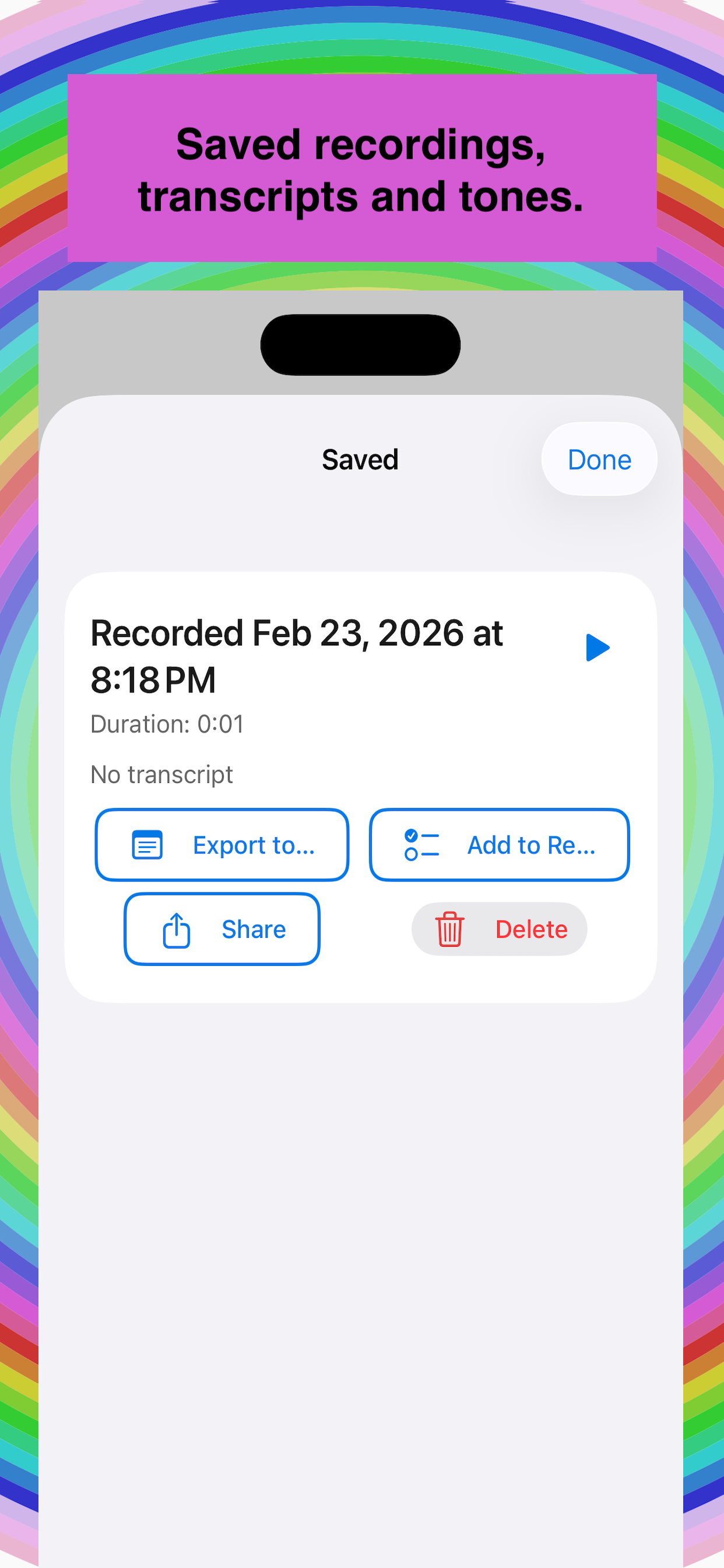
Saved Recordings Library
All saved recordings and transcripts stay on your device (Core Data). Play, share, export to Notes, add to Reminders, or delete—no cloud upload.
Floating Button & Everywhere Access
Draggable floating overlay, keyboard extension, share extension, home and Control Center widgets, Live Activity, URL scheme (meetingrewind://), Siri Shortcuts, and the Wrist Rewind Apple Watch app.
Privacy-First
Audio and transcripts are processed and stored only on your device. The rolling buffer is memory-only and overwritten. Optional Remove Ads in-app purchase ($2.99) to disable interstitial ads.
Accessibility
Works with Voice Control, AssistiveTouch, and Switch Control. Large touch targets, clear labels, optional haptic feedback, and an accessibility menu with quick Start/Replay.
Ready to Hear It Again?
Download Meeting Rewind for free. Available on iPhone and iPad. Optional Remove Ads purchase inside the app.
iPhone & iPad • iOS 18.0 or later • App Price $0.00
Frequently Asked Questions
How does instant replay work?
The app keeps a short rolling buffer (15 seconds to 3 minutes, configurable) of recent audio in memory. When you trigger replay—from the floating button, widget, keyboard, Siri, or Watch—it plays back the last few seconds so you can hear it again without saving.
Is my audio sent to the cloud?
No. All buffering, replay, and recording happen on your device. Transcripts use on-device speech recognition (Apple’s Speech framework). Saved recordings are stored only in the app’s local library (Core Data). Nothing is uploaded to our or any third-party servers.
How much does Meeting Rewind cost?
The app is free to download ($0.00). Optional one-time in-app purchase Remove Ads ($2.99) disables interstitial ads that may appear after every other recording save. All core features work without purchase.
Does it work with Bluetooth headsets?
Yes. Replay uses the current audio route, so if you have AirPods or another Bluetooth headset connected, replay will play through that device.
Still have questions? We're here to help!
Contact SupportCase study
Privacy-first meeting audio buffer with instant rewind and transcripts.
Problem solved
People miss key lines in meetings and hate recording entire calls to the cloud.
Approach
- Rolling 15–60s on-device audio buffer
- Optional on-device transcription
- Widgets, Siri, and Apple Watch companion
Architecture
Tech stack
- AV / Speech
- Buffer + transcript
- WidgetKit / Siri
- Quick access
- WatchConnectivity
- Apple Watch
Timeline & team
Business impact
- PrivacyOn-device first
- Price$0.00 app
- StoreApp Store
Screenshots

