Smoothie Combo Perfect Recipe Creator
Create delicious smoothie recipes with smart ingredient pairing suggestions and nutritional tracking. Discover perfect flavor combinations and build healthier habits with every blend!
Amazing Features
Discover what makes Smoothie Combo the perfect recipe companion
Smart Ingredient Pairing
Discover perfect flavor combinations with our intelligent pairing system. Get suggestions for ingredients that complement each other for the most delicious smoothies.
Nutritional Tracking
Track calories, vitamins, minerals, and macronutrients for every recipe. Make informed decisions about your health with detailed nutritional breakdowns.
Recipe Management
Save, organize, and share your favorite smoothie recipes. Create custom categories and never lose track of your perfect blends again.
Quick Blend Mode
Perfect for busy mornings! Get instant recipe suggestions based on ingredients you have on hand. Create healthy smoothies in minutes.
Health Goals
Set and track your health goals with personalized recommendations. Whether it's weight loss, muscle gain, or general wellness, we've got you covered.
Customizable Preferences
Adjust serving sizes, dietary restrictions, and flavor preferences. Make Smoothie Combo truly yours with personalized settings and recommendations.
See Smoothie Combo in Action
Take a peek at the beautiful interface and powerful features
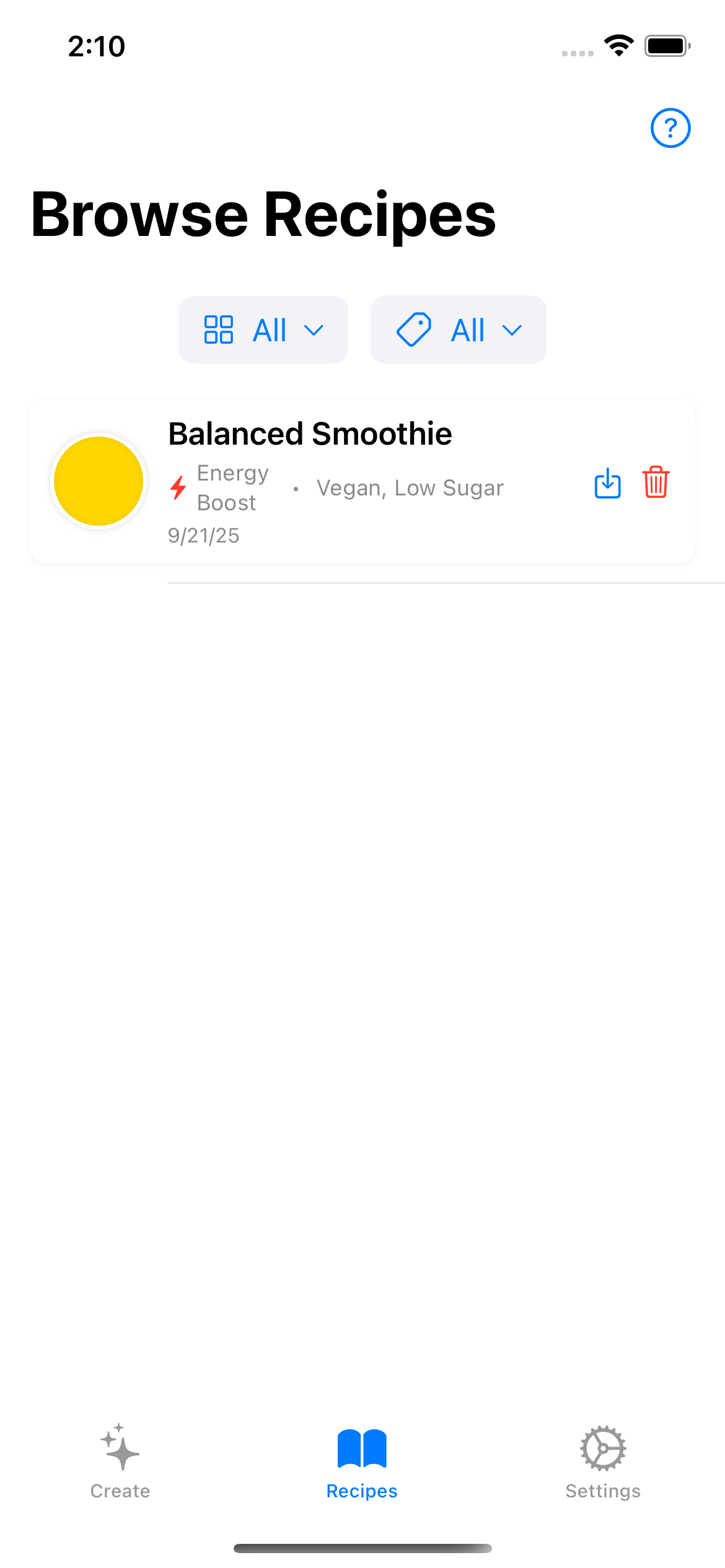
Recipe Creation
Create custom smoothie recipes with ease
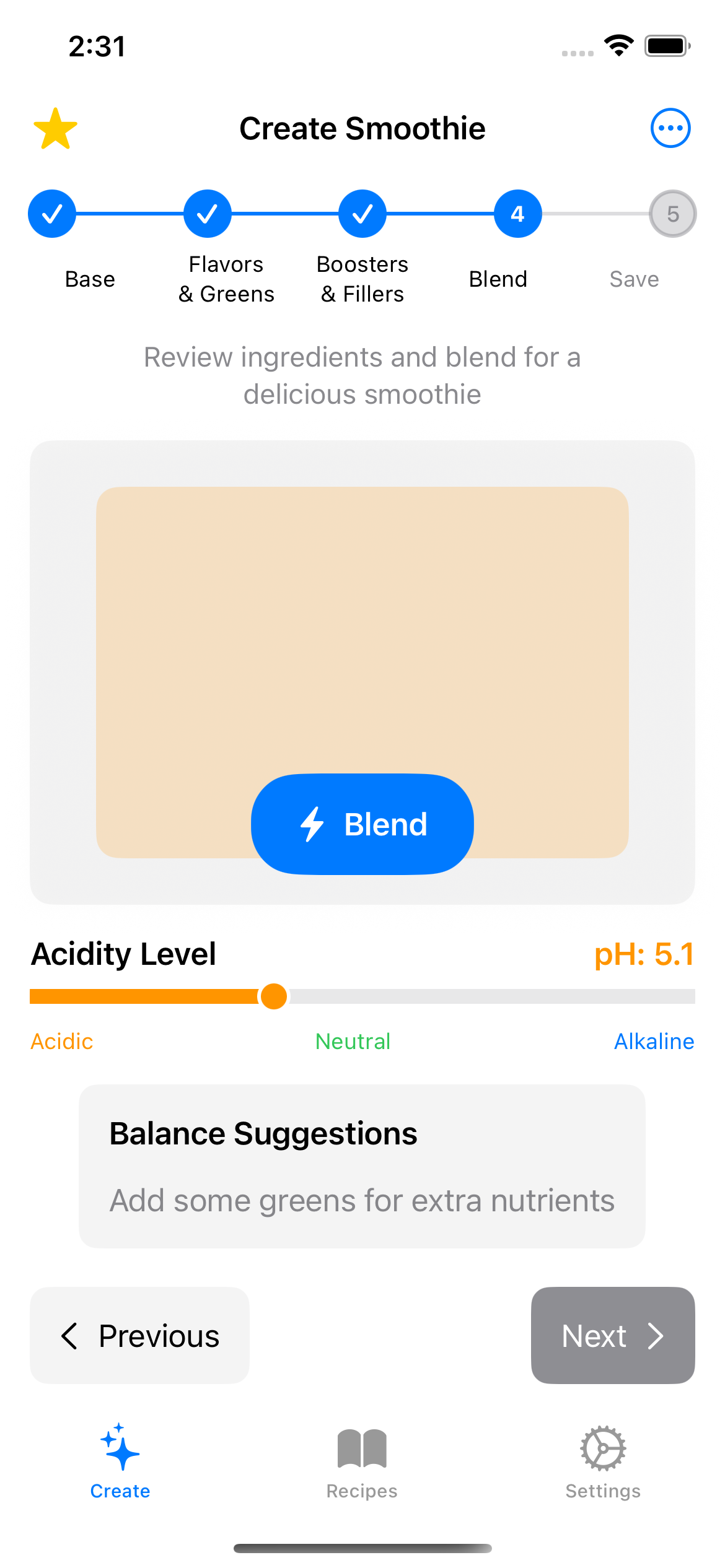
Smart Pairing
Get intelligent ingredient combination suggestions
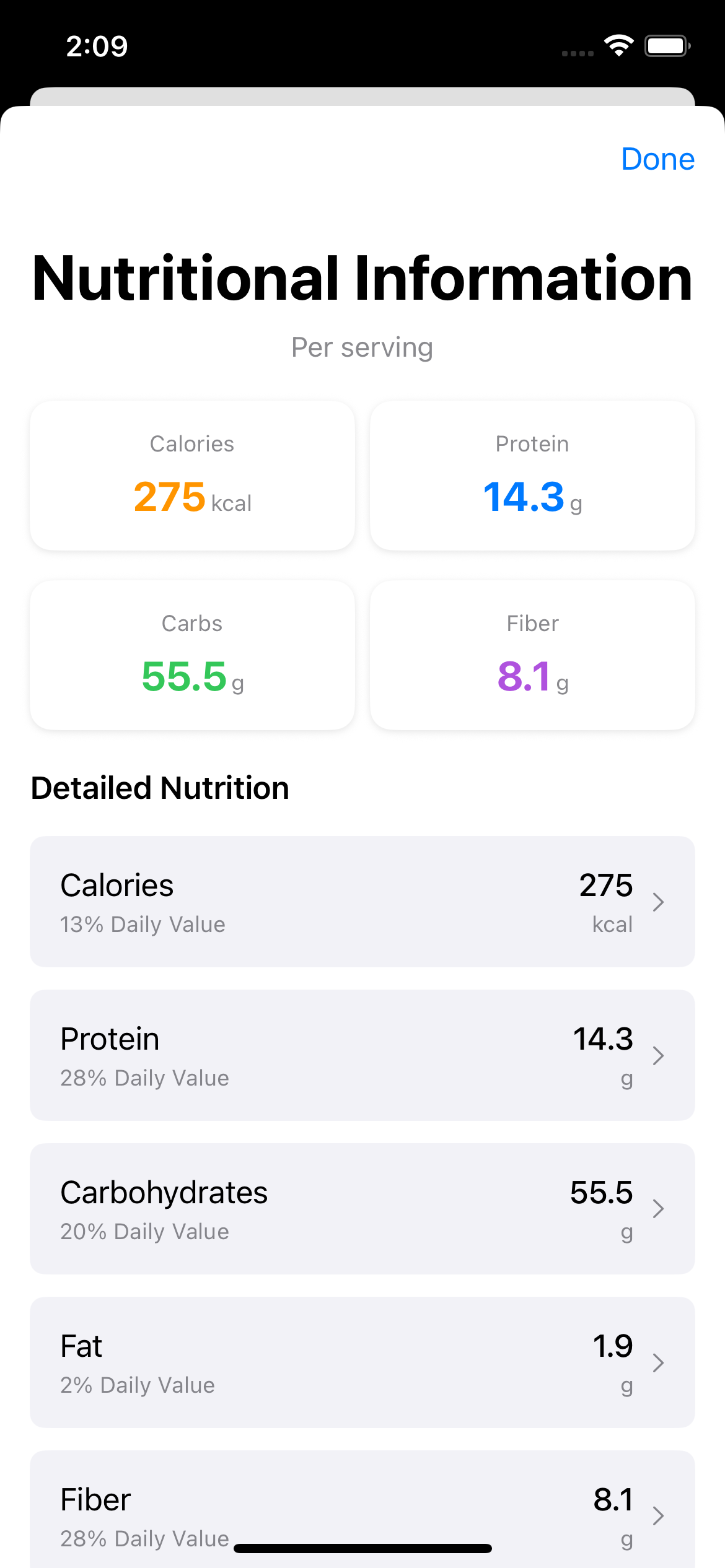
Nutrition Info
Track detailed nutritional information for every recipe
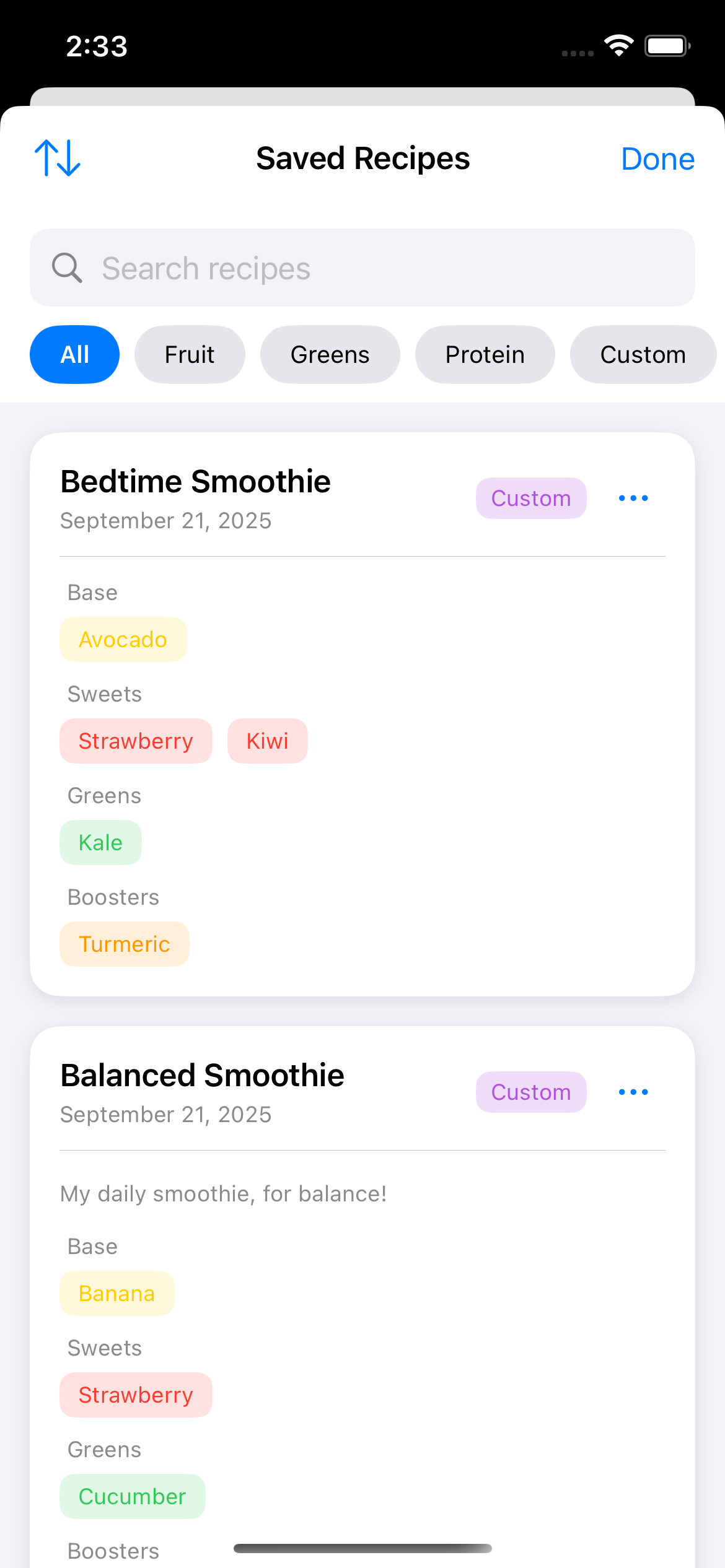
Recipe Library
Organize and manage your favorite smoothie recipes
Ready to Blend Your Way to Health?
Join thousands of users on their healthy lifestyle journey. Download Smoothie Combo today and transform the way you create smoothies!
Available on iPhone and iPad • iOS 16.0 or later
Frequently Asked Questions
Is Smoothie Combo suitable for all dietary needs?
Yes! The app supports various dietary preferences including vegan, vegetarian, keto, paleo, and more. You can filter recipes based on your specific dietary requirements.
How much does the app cost?
Smoothie Combo is available for download for $1.99 with more features to come. The core recipe creation and pairing features are completely free.
Can I use it offline?
Yes! Once downloaded, most features work offline. You'll need an internet connection for initial download and to sync your recipes across devices.
How do I sync recipes between devices?
To sync recipes between devices:
On Device A: Go to Settings → Export Data → Export all recipes
Share the file: Use AirDrop, email, or cloud storage to transfer the JSON file
On Device B: Go to Settings → Import Data → Select the JSON file → Import selected recipes
How accurate is the nutritional information?
Our nutritional data is sourced from reputable databases and is regularly updated. However, we recommend consulting with a nutritionist for specific dietary needs.
Still have questions? We're here to help!
Contact SupportCase study
Health-focused iOS recipe app shipped for App Store discovery and daily use.
Problem solved
Home cooks needed a simple way to build balanced smoothie recipes with ingredient pairing and nutrition awareness—without a cluttered food-tracking suite.
Approach
- Designed a focused recipe creator with smart ingredient suggestions
- Added offline-capable storage via Core Data / CloudKit sync
- Shipped App Store marketing + support surfaces
Architecture
Tech stack
- Swift / SwiftUI
- Native UI and navigation
- Core Data + CloudKit
- Recipes and preferences with sync
- HealthKit
- Optional nutrition context
Timeline & team
Business impact
- App StoreLive on iOS
- FocusLean MVP feature set
- PrivacyOn-device recipe data
Screenshots